


Social media marketing costs are all over the place because "social media marketing" means wildly different things to different people. Posting three times a week on Instagram? Running a serious monthly Facebook ad budget? Building a TikTok content engine with professional video production? All of these are "social media marketing" and they cost very different amounts.
Let me break it down so you can actually budget for what you need.
The Full Cost Breakdown
| Service | Freelancer | Agency |
|---|---|---|
| Social media management (organic) | One person planning, writing and posting — and you manage them | A strategist plus a content producer, with reporting and cover when someone is away |
| Content creation (graphics/photos) | Templated graphics and phone photography | Art direction, a shoot day, and assets built to a design system |
| Video content (Reels/TikTok) | Shot and cut on a phone, which is genuinely fine for a lot of brands | Scripted, shot and edited on a repeatable production process |
| Paid social ads management | Campaign setup and weekly tweaks | Structured testing, creative iteration, and conversion tracking that actually works |
| Influencer management | Outreach and coordination for a handful of creators | Sourcing, negotiation, briefs, contracts and performance measurement |
| Community management | Replies whenever they next open the app | Defined response times and an escalation path for complaints |
The freelancer column is always the cheaper one. What you give up is breadth, redundancy, and the strategic layer — and the gap shows up most in the months when something goes wrong.
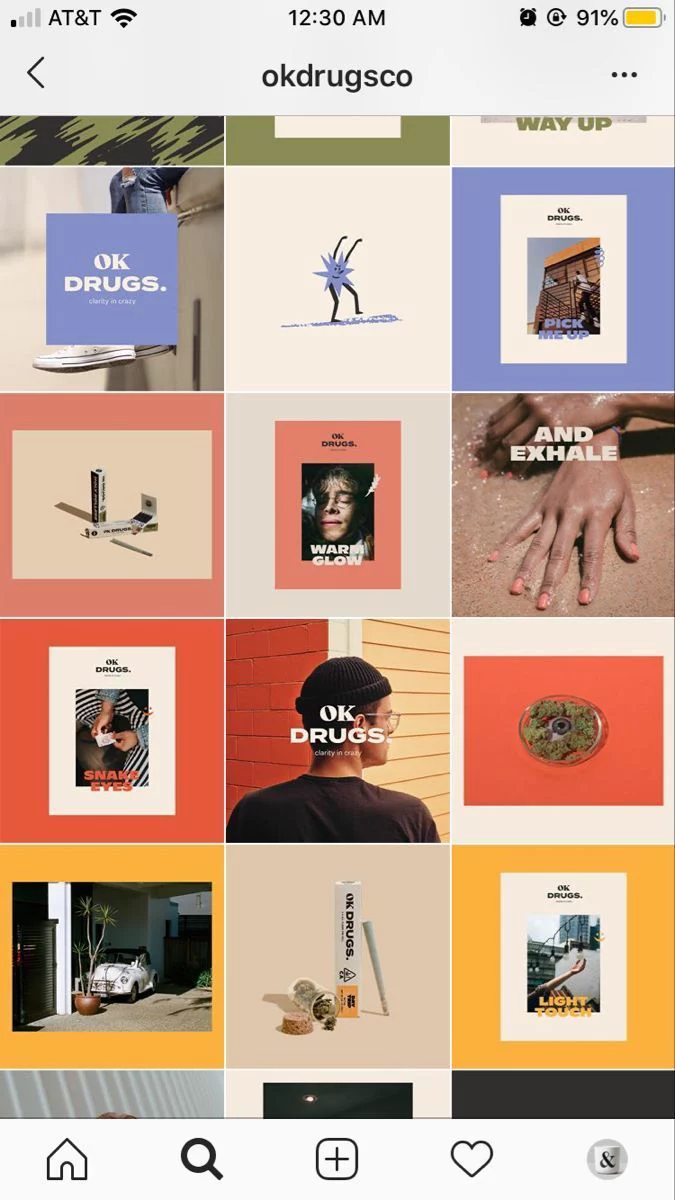
Organic vs Paid: What Is the Difference?
Organic social media is everything you do without paying for advertising: posting content, engaging with followers, responding to comments, building community. It is "free" in the sense that you are not paying for reach, but it costs time and content creation effort.
Paid social media is advertising — boosted posts, sponsored content, lead generation ads, retargeting campaigns. You pay the platform directly for reach and clicks.
Most businesses need both. Organic builds trust and community. Paid drives targeted traffic and leads. Doing only organic is slow. Doing only paid without any organic presence looks suspicious (no posts but running ads = untrustworthy).

Platform-Specific Ad Costs
| Platform | Cost of reach (CPM) | Cost of a click (CPC) | Best For |
|---|---|---|---|
| Mid-range | Cheap | B2C, local businesses, e-commerce, lead gen | |
| A little above Facebook | A little above Facebook | Visual products, lifestyle brands, restaurants | |
| By far the most expensive | By far the most expensive | B2B, professional services, recruiting | |
| TikTok | The cheapest reach of the major platforms | Cheapest | Young audiences, e-commerce, brand awareness |
| YouTube | Above average | Very low per view | Brand awareness, tutorials, product demos |
LinkedIn is the most expensive but also has the highest-value audiences for B2B. Do not let the CPM scare you — if a LinkedIn lead converts into a major B2B contract, that expensive click was the best money you ever spent.

What Does a Social Media Manager Actually Do?
When you hire someone (freelancer or agency) for social media management, here is what should be included:
- Content strategy — planning what to post, when, and why
- Content creation — graphics, captions, stories, reels
- Scheduling and publishing — consistent posting on schedule
- Community management — responding to comments and DMs
- Analytics and reporting — monthly performance reports
- Trend monitoring — staying current with platform changes
If a provider quotes you a rock-bottom monthly fee for all of this, do the maths against any sane hourly rate: it buys three or four hours of work a month. What quality do you think you are getting for 3-4 hours/month?
Tool Costs
Social media management requires tools:
- Scheduling: Buffer, Hootsuite or Later — entry tiers are cheap, and the price climbs with the number of accounts and users
- Design: Canva Pro (inexpensive) or Adobe Creative Suite (several times the price)
- Analytics: Sprout Social, comfortably the dearest item on this list, or native platform analytics (free)
- Stock content: Envato Elements (a modest subscription) or Unsplash (free)
These are usually included in agency pricing but add up if you are going DIY or hiring a freelancer.
How to Set Your Social Media Budget
A general rule of thumb: allocate 7-15% of your total revenue to marketing, and 25-40% of that marketing budget to social media if social media is a primary channel for your business.
Real examples:
- Local restaurant: Organic management plus a small, always-on ad budget — the lightest of these four
- E-commerce store: Content creation plus significant ad spend, usually the heaviest of the four
- B2B service company: LinkedIn-focused, with thought leadership content — fewer posts, but each costs more to produce
- Real estate agent: Facebook and Instagram ads plus listing content, scaled to how many listings are live
Signs You Are Wasting Your Social Media Budget
- Your follower count is growing but leads are not
- You are posting daily but engagement is flat or declining
- You cannot tell which posts drive actual business results
- Your agency sends reports about "impressions" but never mentions revenue
- You are on 5 platforms but crushing it on none of them
Better approach: Focus on 2-3 platforms where your audience actually is, create quality content consistently, and tie everything back to business outcomes.
At Kiwitech Labs, our social media engagements include strategy, content creation, scheduling and monthly reporting, and we scope each one around the number of platforms and the volume of content you genuinely need. We focus on platforms that actually drive results for your specific business — not vanity metrics across every platform.
Want a social media strategy that actually works? Let us create a plan for your business.